A new website should be good news. Faster pages, a modern design, clearer services. Yet many businesses see the opposite in the weeks after launch: enquiries dry up, pages that used to rank disappear, and Google Search Console fills with errors.
The redesign itself is rarely the problem. What causes the damage is how the old site is replaced. Search engines have spent years learning your old pages: their addresses, their content and the links pointing to them. If those signals vanish overnight, Google has to start again.
The good news is that a careful redesign keeps almost all of that value, and often improves on it. Here is the process we follow.
1. Take stock of what already works
Before changing anything, make a complete list of the pages on your current website. For each one, note:
- Its URL (the full address).
- How much traffic it gets from Google.
- Which searches it ranks for.
- Whether other websites link to it.
Google Search Console is the best free source for this. Export the Performance report for the last 12 months and the list of indexed pages. Your analytics tool will show which pages bring enquiries.
This list is your safety net. Pages that bring traffic or links must not simply disappear.
2. Decide what to keep, improve, merge or retire
With the data in front of you, go through every page and decide what happens to it.
Keep pages that rank well and are still accurate. They can get a new design, but their core content should stay.
Improve pages that rank on page two or three, or that get visits but no enquiries. A redesign is the perfect moment to strengthen them.
Merge thin or overlapping pages into one stronger page. Three short pages about similar services usually perform worse than one complete page.
Retire pages that are outdated and get no traffic. They still need a redirect, but not a replacement.
3. Plan your new URL structure
If you can keep your existing URLs, that is the simplest option. Often, though, old sites have messy addresses like /website-designing-india.htm that don’t fit a new structure. Changing them is fine, as long as every old address points to the right new one.
Aim for short, readable URLs grouped logically, such as /services/marketing/seo/. They are easier for people to understand and easier to manage as the site grows.
4. Build a redirect map
This is the most important step, and the one most often skipped.
A redirect map is a simple spreadsheet with two columns: the old URL and the new URL it should point to. Every old page gets a row, including pages you are retiring, which should point to the closest relevant new page, not the homepage.
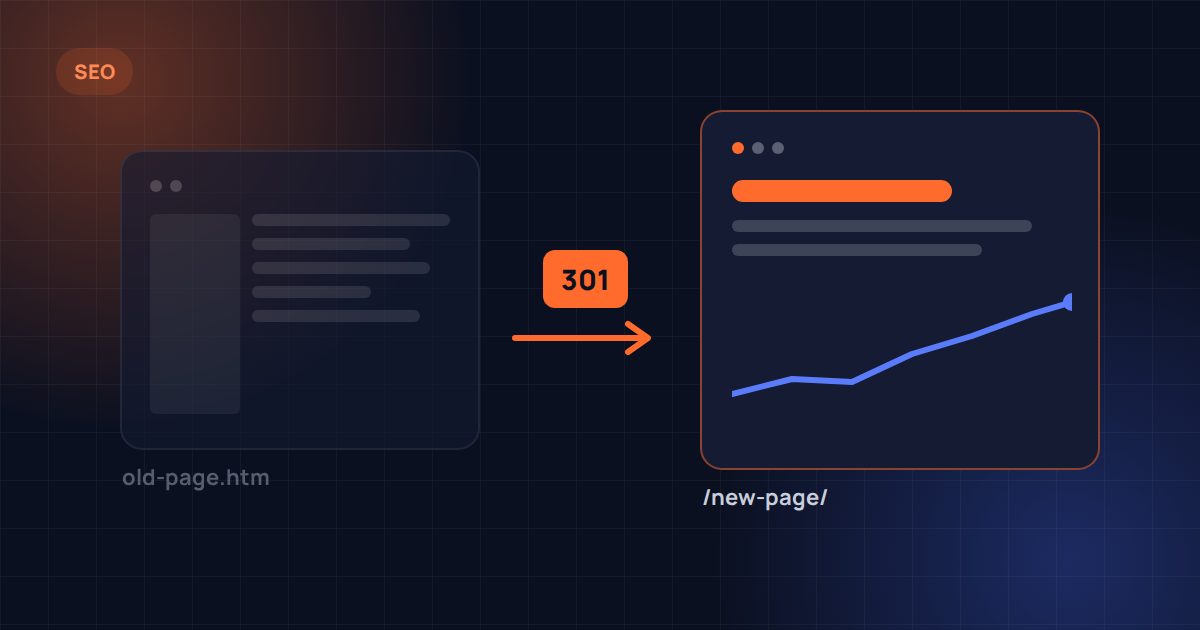
These redirects must be permanent (301) redirects. A 301 tells search engines that the page has moved for good, so they transfer its ranking signals to the new address. Temporary redirects, or no redirects at all, leave that value behind.
On Windows (IIS) hosting, redirects are usually set in the web.config file. On Linux hosting, they typically go in .htaccess or the server configuration. Your developer should set them up and test every single one.
5. Protect the content that ranks
Design changes rarely hurt rankings. Content changes can. If a page ranks well for a search, keep the information that made it rank: the topics it covers, the questions it answers and the main heading.
You can rewrite for clarity and add to it, but avoid cutting a detailed page down to a few lines because the new design “looks cleaner”. Search engines can only rank what’s on the page.
6. Check the technical details on a staging site
Build the new website on a private staging link first, and check it before launch:
- Every page has a unique title and meta description.
- Each page has one clear H1 heading.
- Images have descriptive alt text and are compressed for speed.
- Structured data (schema) is in place and valid.
- The XML sitemap lists the new URLs.
- Internal links point to new URLs, not old ones that redirect.
- Forms, phone links and WhatsApp buttons work.
Make sure the staging site is hidden from search engines, so Google doesn’t index a duplicate of your website.
7. Launch carefully
On launch day:
- Remove the “noindex” setting used on staging. Forgetting this is one of the most common and damaging launch mistakes.
- Put the redirects live and test a sample of old URLs.
- Submit the new sitemap in Google Search Console.
- Check that analytics and conversion tracking are recording visits and enquiries.
8. Monitor for the first few weeks
Some movement in rankings after a redesign is normal while Google processes the changes. What matters is catching real problems early. For the first few weeks, check Search Console regularly for:
- 404 errors, which usually mean a missing redirect.
- Pages dropping out of the index.
- Sudden drops for important searches.
Fix issues as they appear. Most are quick to solve if they’re spotted early. Ongoing SEO work after launch then builds on the foundation the redesign has protected.
The short version
A redesign keeps your rankings when you know what you have, keep what works, redirect every old page to its best new home, and watch closely after launch. Skipping those steps is what turns a new website into a lost year of search traffic.
If you’re planning a new website and want to keep the visibility you’ve built, our website redesign and migration service follows exactly this process. We used it for our own website, moving dozens of old pages to a new structure.